- Home
- Technology
Every night is documented.
We built our own app to run the service and show you the proof. Your porter clocks in with a selfie, every violation is photographed with a timestamp, and you can pull any unit's history without calling anyone.
One portal for every property.
Our own app and manager portal. You see who was on site, what they found, and you can pull a report for any unit without calling anyone.
 Tonight Violations3 Reports Tickets Properties
312 units · Tuesday night serviceRoute in progress
 Marcus T., your porter
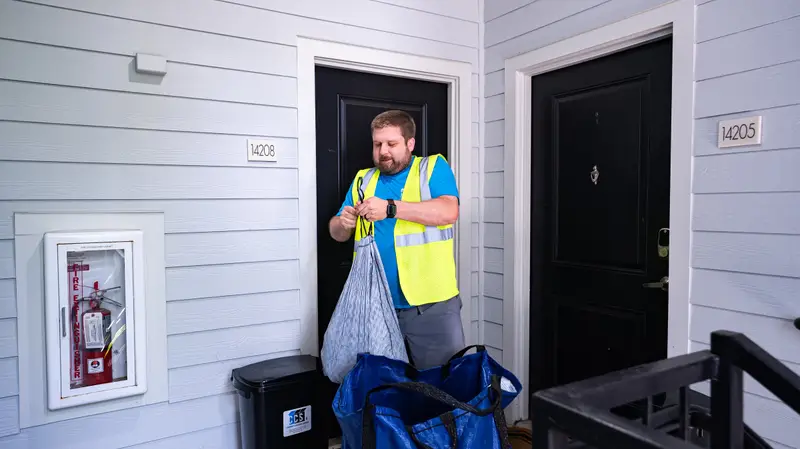
 Unit 2214Loose trash outside container9:41 PM
 Unit 3108Bag over weight limit10:06 PM
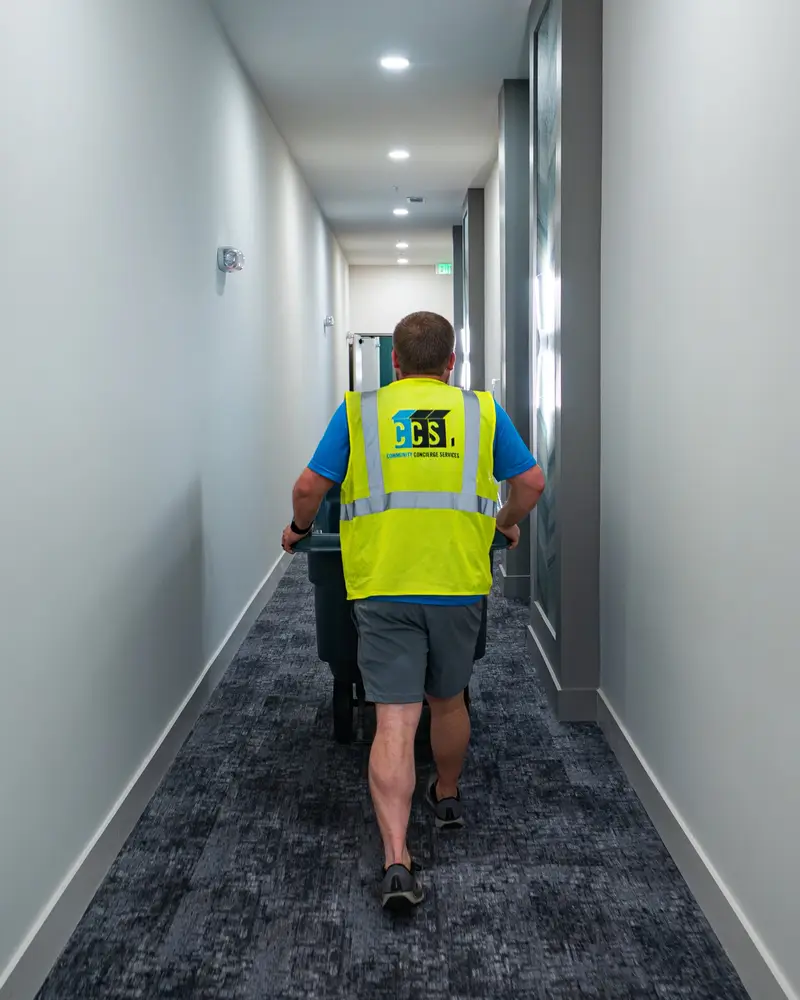 Clocked in 7:58 PM, selfie verified
Selfie clock-in, vest on.
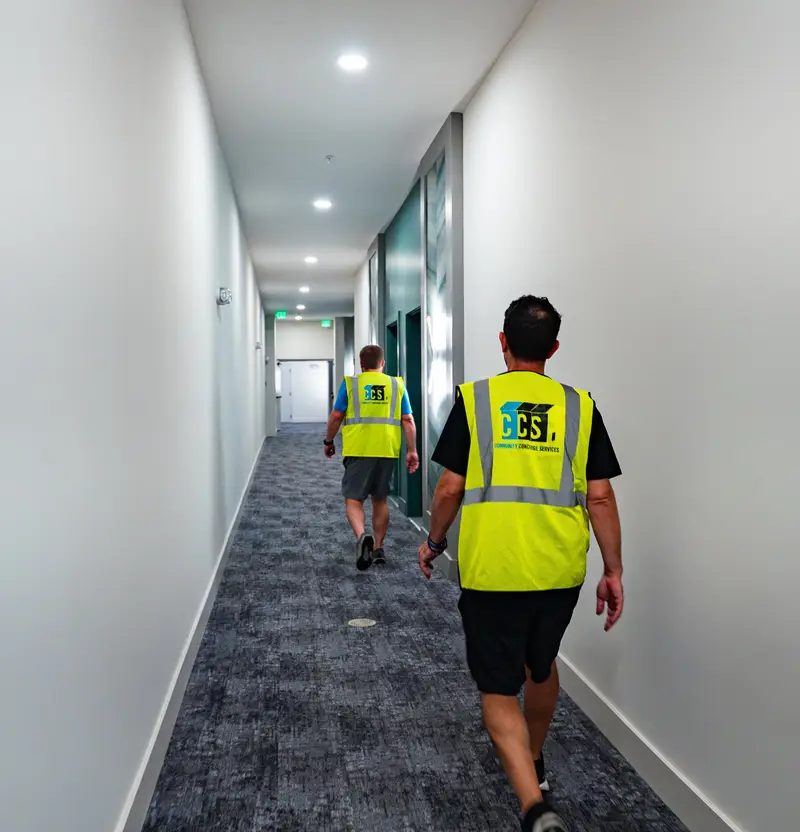
Porters clock in with a selfie wearing their CCS vest. We see it live, and so do you, so you know who is on your property and when they got there.
- Live on our side. If a porter doesn't clock in, our team knows before the window closes.
- On record for you. Every night of service has a name and a time attached.
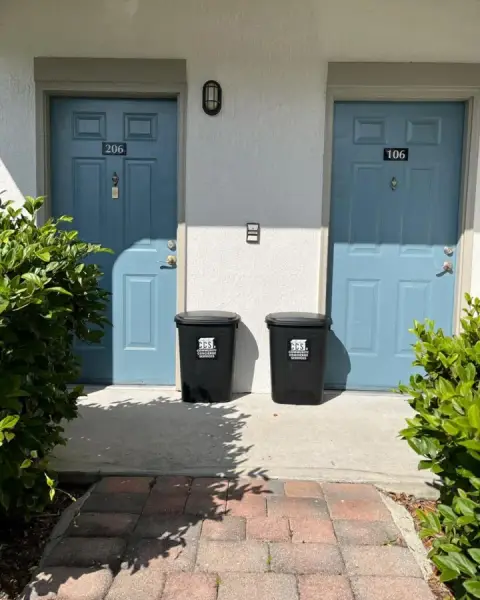
9:41 PMUnit 2214Loose trash outside containerPhoto10:06 PMUnit 3108Bag over weight limitPhoto10:27 PMUnit 1402Set out after pickup windowPhotoViolation photos, in your inbox by morning.
Each photo has a timestamp, the unit number, the violation and the porter who took it. The report lands the morning after service.
- No typing on your end. The photo, unit and guideline are already in the report.
- Fines on your terms. Send notices, apply fees, or just keep the record.
Less work for your team.
The portal is a two-way conversation. We send the data. You act on it.
Every violation for one unit, with the guidelines and photos, as one report you can send.
Questions and complaints go straight to our team. You watch them get closed.
Look back across a year of service, night by night.
One login per property, with access across a regional's portfolio.
See it on your property.
We'll walk you through the portal on the call and send a sample report.
 Property quote request
Someone from our team will reach out within one business day with pricing for your property.
Did you build the app yourselves?
Yes. The CCS app is built around how we operate, from the porter clock-in to the client portal. It isn't a third-party tool we bolted on.
Who gets a portal login?
Each property gets its own login. Regionals and owners can be set up across a portfolio.
How far back can we look?
As far back as we've serviced the property. Pull a year of violations, or download one unit's history as a ready-to-send report.
How do we report a problem?
Open a chat ticket in the portal. It goes straight to our team, and you can watch it get closed. You can always call your account lead too.
Do you need anything from our software?
No. Reports come to your inbox and the portal runs in a browser. Nothing to install on your side.